Digital Decluttering Ideas for April
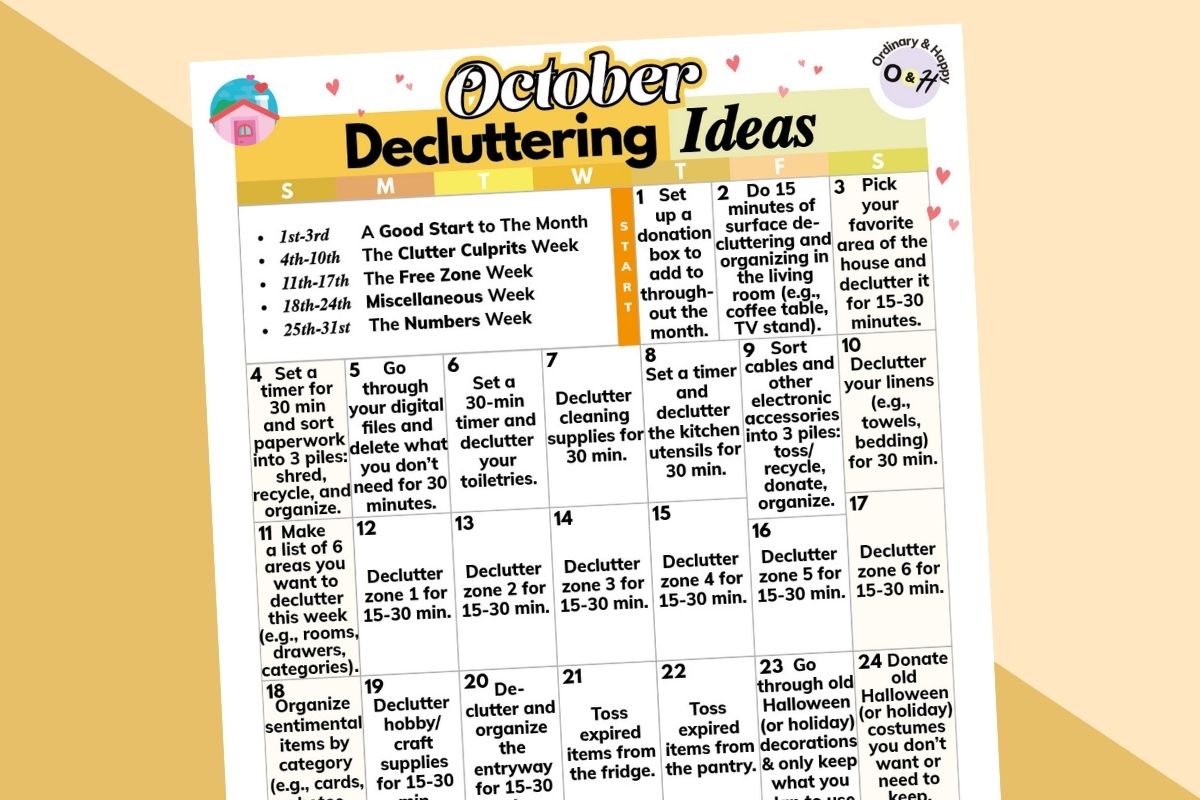
If you want to clear and organize your digital devices but don’t know where to begin, use our 30 days of digital decluttering.
This month-long activity gives you a detailed plan to declutter and organize your phone, computer or laptop, email inbox and photos, and other online items.
If life is busy, set a timer for 30 or 15 minutes and just do what you can every day. You can find the printable at the bottom of the article.
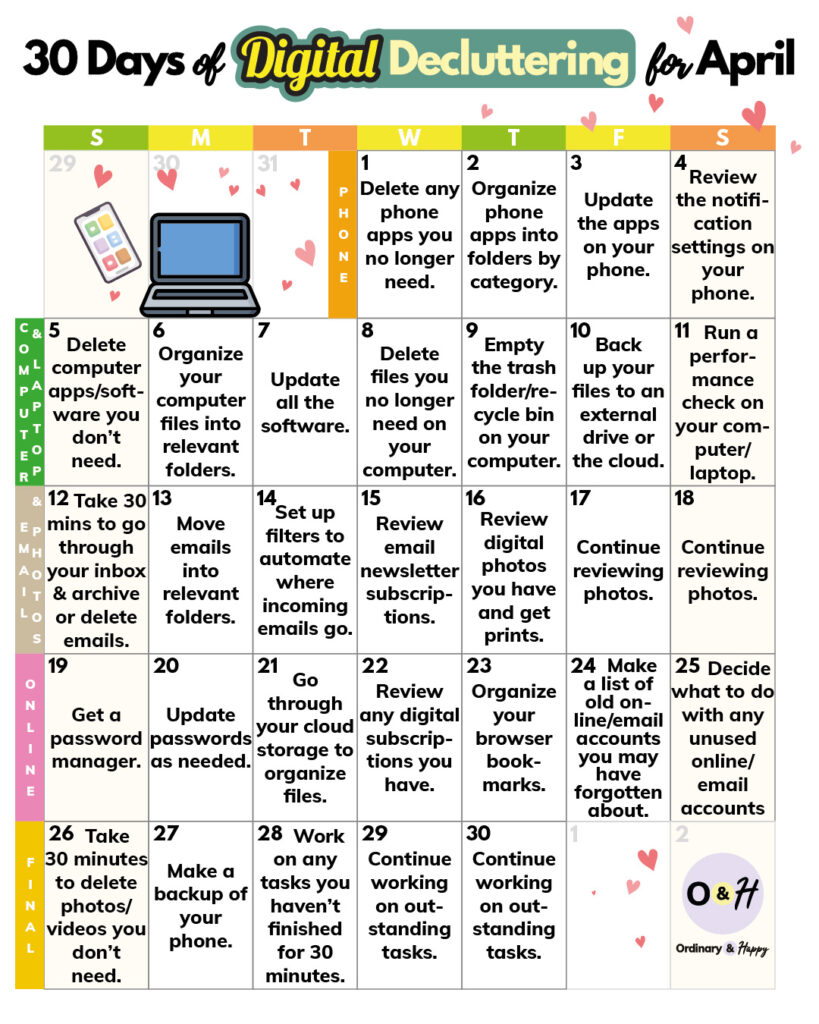
Delete any phone apps you no longer need.
Organize phone apps into folders by category.
Update the apps on your phone.
Review the notification settings on your phone.
Delete computer apps/software you don’t need.
Organize your computer files into relevant folders.
Update all the software.
Delete files you no longer need on your computer.
Empty the trash folder/recycle bin on your computer.
Back up your files to an external drive or the cloud.
Run a performance check on your computer/laptop.
Take 30 minutes to go through your inbox and archive or delete emails.
Move emails into relevant folders.
Set up filters to automate where incoming emails go.
Review email newsletter subscriptions.
Review digital photos you have and get prints.
Continue reviewing photos.
Continue reviewing photos.
Get a password manager.
Update passwords as needed.
Go through your cloud storage to organize files.
Review any digital subscriptions you have.
Organize your browser bookmarks.
Make a list of old online/email accounts you may have forgotten about.
Decide what to do any unused online/email accounts (if you have any).
Take 30 minutes to delete photos and videos you don’t need.
Make a backup of your phone.
Make a list of any tasks this month you haven’t finished and take 30 minutes to work on them.
Continue working on any outstanding tasks.
Continue working on any outstanding.